Conference outbound
Insurance is our best vertical, and ITC is the one week a year a lot of those buyers are in the same building. The year before, we booked 21 meetings there, mostly one at a time by hand. I wanted to see how much of that I could automate without it feeling automated to the people on the other end.
Get the attendee list into a sheet
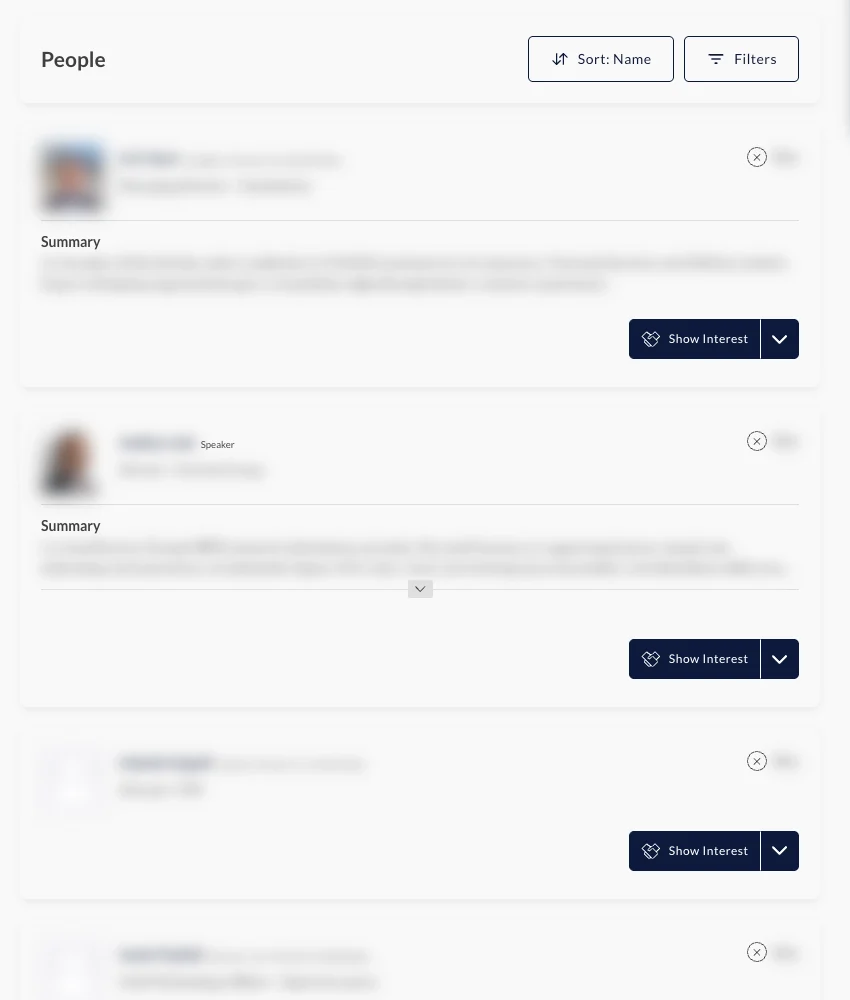
The conference runs on an app where every registered attendee can browse the directory and request meetings. Working through it in my own logged-in browser, I got the directory I already had access to into a sheet so I could actually sort and research it, instead of scrolling a few thousand profiles one at a time.
Score every company against what our deals look like
A few thousand people is way too many to go through by hand, so I scored every company against what our won and lost deals look like. Company size and industry barely mattered. What mattered was how much paperwork runs through the business today, so that's what the scoring leaned on. Competitors, existing customers and open deals came out, and the rest got split between me and our CEO, so nobody got invited twice.
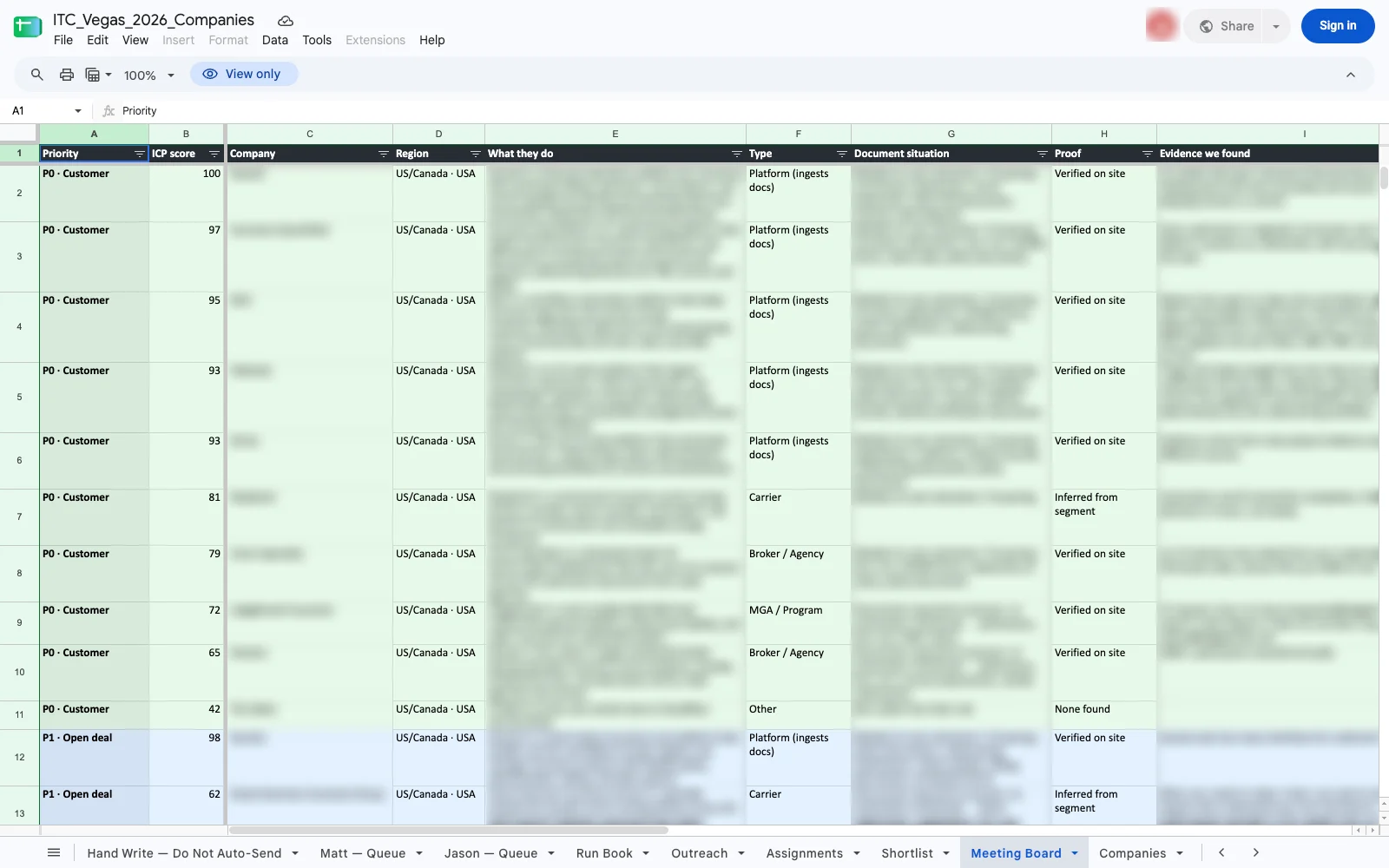 priority and score
Send the invites I would have sent anyway
Every invite was one I'd picked and a note I'd written for that company. Instead of clicking through a few hundred of them by hand, a helper in my own logged-in browser did the clicking for me, from my account. Each invite took an open slot so they spread across both days, it showed me the first few before sending anything, and it stopped on the first error.
for row in sheet.queue(status="READY"):
    slot = next_open_slot(days=["Tue", "Wed"])  # spread across both days
    if row.index < 3:
        confirm(row, slot)                       # I see the first few first
    result = send_invite(row.people, slot, row.message)
    if not result.ok:
        stop(row, result.error)                  # stop on the first error
sheet.update(row, status="SENT", slot=slot, meeting_id=result.id)Every send writes back to the sheet
The whole thing ran off one Google Sheet. Each company was a row with its status, the slot and the message, and the script wrote back after every send, so I could open it on my phone anywhere and see exactly where things stood. Our CEO ran his own queue from the same sheet with the same script.
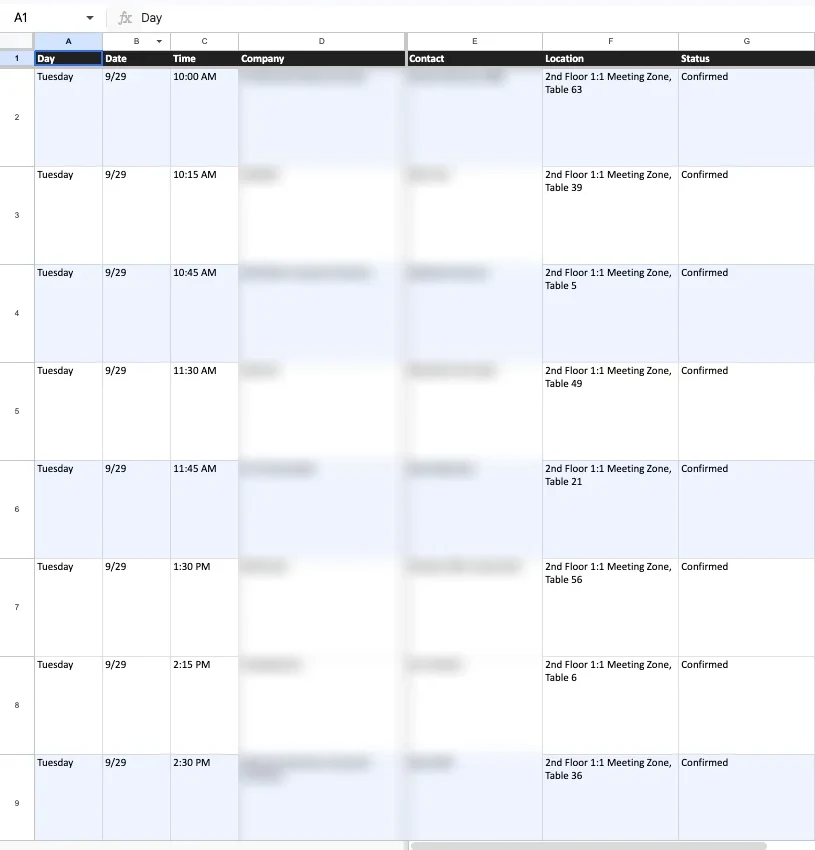
The real queue, a few days out
This is my actual queue tab the week before the event. Status, the slot it landed in and the meeting id all came from the script. The other columns had the company, the people and the note I wrote, which I've blurred here.
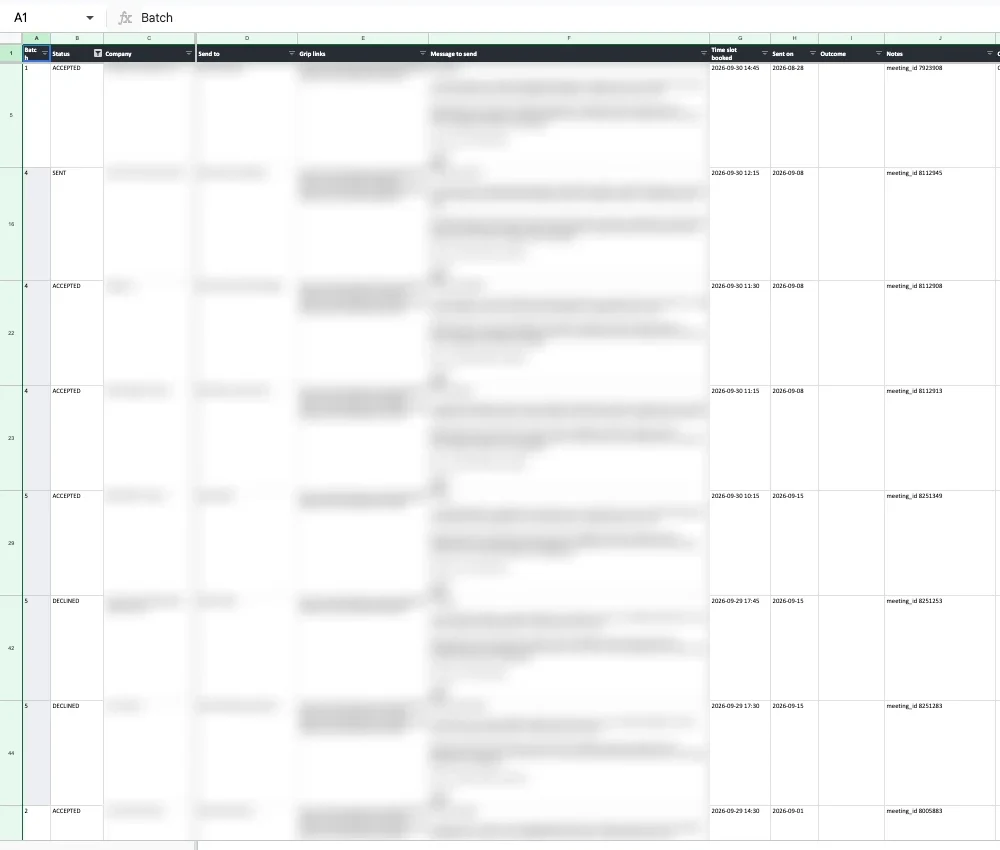 statusslotmeeting id
Swap out the invites nobody opened
The app only lets you have so many open requests at once, and when I looked at the data it tracks whether each person has even opened their invite. Most hadn't. So instead of waiting on them, I started cancelling the unopened ones after a few days and sending to someone new, which kept the calendar filling right up to the event.
cancelling invites nobody has opened in 4+ days
   opp  63  Carrier A              meeting 8005875
   opp  64  Program MGA B          meeting 8005893
   opp  64  Broker C               meeting 8005924
   ...
slots freed, next batch queued from the top of the listThen the calendar was full
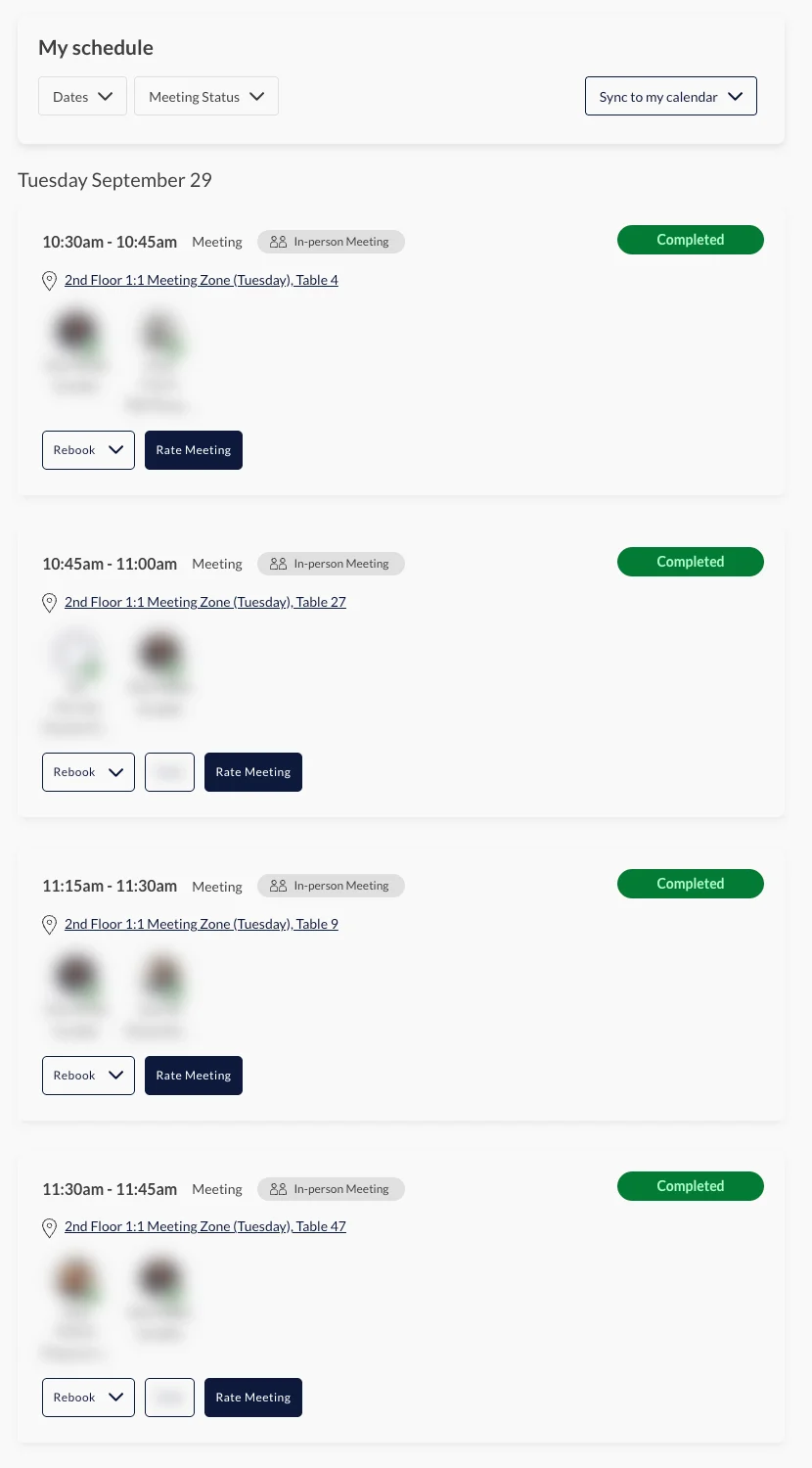
Between our CEO and me we had 44 meetings booked over the two days, against 21 the year before. I took notes in each one, and afterward wrote everyone a recap from those notes and put together an internal deck on what we kept hearing.
The same setup is ready for the next conference. Next time I'd start the LinkedIn side earlier and keep a reserve of names for the last two weeks, when people actually start opening the app.