Explainer video
We needed an explainer for the website and a conference submission while the script was still changing every day. In a normal editor each change means re-cutting the timeline by hand, so I built the video as a web page that renders to video instead.
Here it is
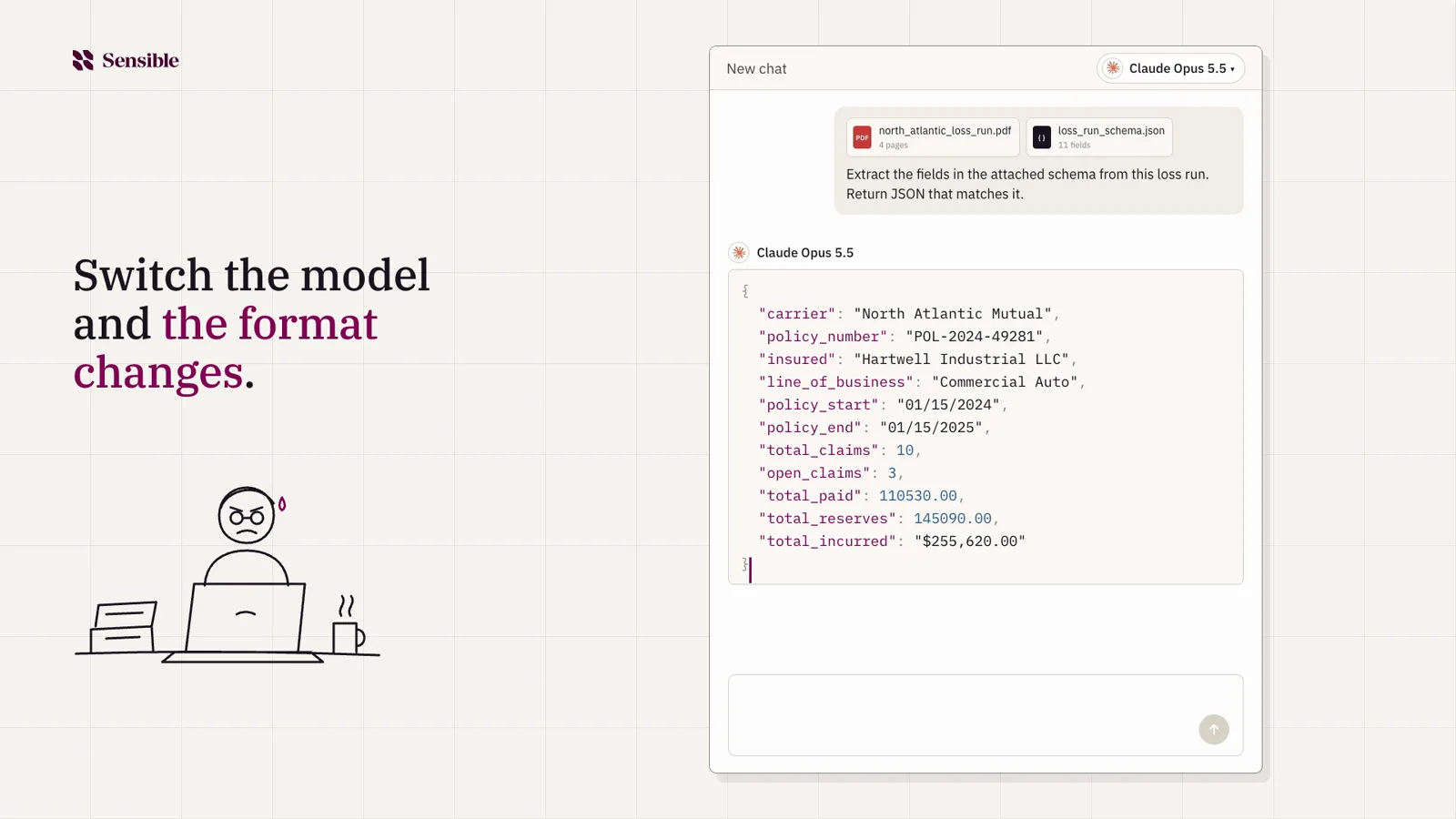
It walks through the problem anyone who has shipped an AI feature knows: same document, a different model, and the output quietly changes shape. Then it shows how Sensible handles it.
The script is just a file
Each line of voiceover is a row with what's on screen next to it. Every version of the script also ends with a list of the product claims that still need sign-off, so nothing ships on a guess.
| # | Voiceover | Caption |
|---|---|---|
| 01 | Sensible is a deterministic document parser powered by AI. |  |
| 03 | But most teams still end up with an engineer building around
       the model... | Switch the model and the format changes. |
| 05 | Once that code is built, it runs in production with no AI
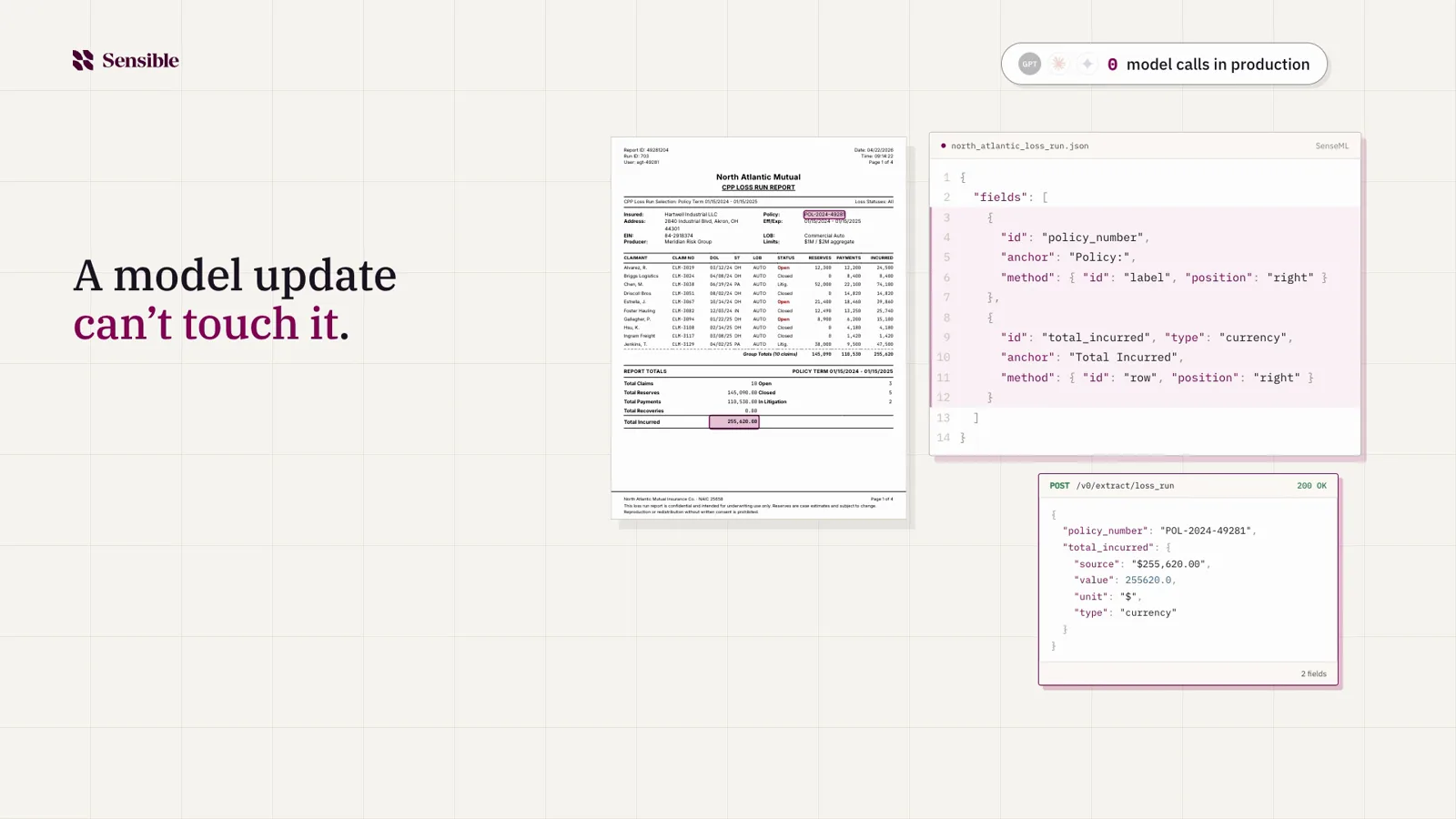
       involved... | A model update can't touch it. |

## Claims to confirm before publishing
- 05: production on the code path makes no model calls.Voiceover that knows when each word lands
Each line goes to ElevenLabs, which sends back the audio plus the start and end time of every word. Only the lines that changed get regenerated.
{
  "id": "10-finance",
  "text": "And your finance team gets a flat price per document...",
  "words": [
    { "w": "finance",  "start": 0.52,  "end": 0.72 },
    { "w": "flat",     "start": 1.653, "end": 1.76 },
    { "w": "price",    "start": 1.92,  "end": 2.08 },
    ...
  ]
}Animate on words, not timestamps
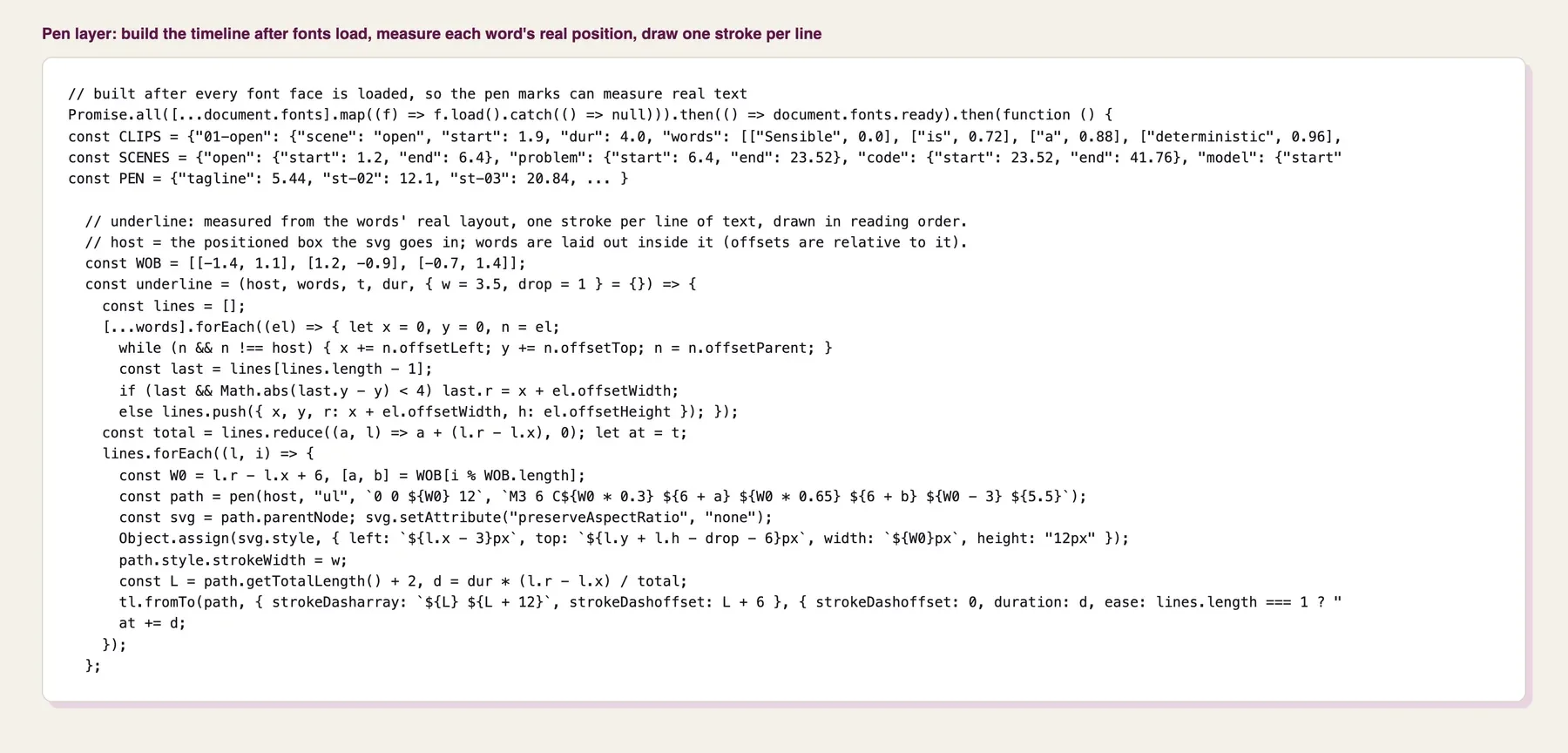
Every animation is tied to a word in the voiceover instead of a time, so when I re-record a line the visuals and sound effects move with it. That made changing the script cheap, which meant I kept changing it. The hand-drawn underlines measure where each word sits after the fonts load, because my first version drifted every time the copy changed.
Find the one moment that explains it
Early drafts compared models side by side and felt like a slide. What worked was one small scene: drag a loss run into a chat, get clean data back, switch the model, and the same document comes back formatted differently. The documents on screen are the real ones from our product pages, so the numbers match all the way through.
It's our product explainer, and since the whole thing is files, the next version starts with a script edit.